
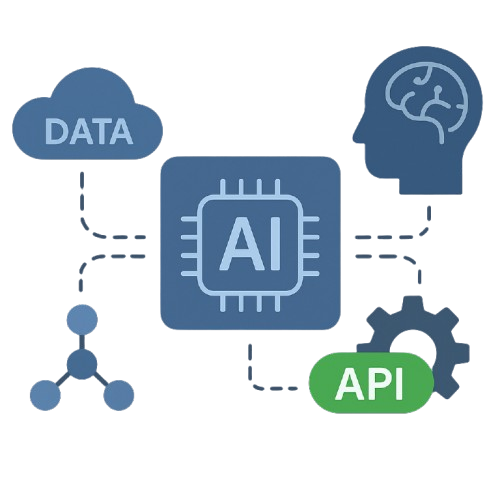
AI without integration is just expensive copy-paste
Your AI chatbot answers customer questions beautifully. But then:
Your AI answers questions but can’t:
Generic AI doesn’t know:
You’re juggling:
AI adoption fails because:
Same scenario, dramatically different outcomes
Human does all the work. AI adds zero value.
Human does ZERO work. Customer gets instant answer.
This isn’t our first time. Here’s our proven 6-step process:
Don’t see your system? If it has an API (or even if it doesn’t), we can integrate it. We’ve connected AI to 100+ different systems.
How businesses use integrated AI to save time and money
Customer asks AI: “Where’s my order?” AI queries Shopify in real-time, responds with tracking info instantly.
AI ↔ Shopify API ↔ Shipping carriers
Patient texts AI to book appointment. AI checks doctor’s calendar, books slot, sends confirmation, adds to EMR.
AI ↔ Google Calendar ↔ Practice Management System ↔ SMS
AI qualifies leads with natural questions. All responses automatically logged in Salesforce, hot leads texted to sales team.
AI ↔ Salesforce ↔ Twilio (SMS alerts)
Customer describes issue. AI troubleshoots, creates ticket if needed, categorizes by priority, routes to right team.
AI ↔ Zendesk ↔ Knowledge Base ↔ Internal APIs
AI reads invoices, extracts data, matches to purchase orders, creates accounting entries, routes for approval.
AI ↔ Email ↔ QuickBooks ↔ Approval Workflow
AI texts new leads within 60 seconds, qualifies budget/needs, recommends properties, schedules showings.
AI ↔ CRM ↔ MLS Database ↔ Agent Calendars ↔ SMS
The technical process made simple
We connect your AI to your business system’s API (the “back door” that lets software talk to each other). Most modern software has APIs. If yours doesn’t, we can often use webhooks, database connections, or other methods.
We set up secure authentication so AI can access only what it needs. Role-based permissions ensure AI can read/write appropriate data but nothing sensitive it shouldn’t touch.
We teach AI what actions it can take: “check order status,” “book appointment,” “create ticket,” “update customer record.” AI learns when and how to call these functions.
When a customer asks AI something, AI queries your system in real-time, gets current data, and responds with actual information, not guesses.
AI doesn’t just tell you what to do—it does it. Creates the ticket. Books the appointment. Updates the record. Takes action automatically.
We monitor all API calls, track success rates, identify failures, and continuously optimize. You get dashboards showing what AI is doing and how well it’s working.
Transparent, straightforward pricing based on complexity
One AI, one system
Connect your business systems with powerful, secure AI integrations that automate, analyze, and optimize your operations.

Less Chaos. More Clients. Real Systems.
Built for the Owner,
Not the Algorithm
MosierData
211 E. Main St, Ste 213
Lakeland, FL 33801
(863) 687-0000